
Listen to the Podcast
Available on your favorite platforms
⬇️ Prefer to listen instead? ⬇️
- 60% of marketers spend more time collecting PPC report data than analyzing it.
- Reporting goals that aren't matched often lead to reports that don't help guide campaigns.
- Numbers that look good but don't show real business results (like impressions) can lead to bad decisions if they aren't linked to key business goals.
- PPC reports broken into pieces without a standard look make checking how things are going hard.
- Putting together data from PPC, CRM, and organic sources shows where there are issues with lead quality and how leads are coming in.
If you're spending hours making PPC reports only for them to be ignored or not understood, you're not alone. Many businesses and marketers get stuck producing reports that don’t help with planning, focus too much on the wrong numbers, or take up valuable time that could be used for looking closely at the data. Let’s look at the most common PPC reporting mistakes and simple ways to make your reports clearer, more useful for strategy, and linked to what really matters—better campaign outcomes.

The Purpose Problem: No Clear Goal for Reporting
One of the most common and harmful PPC reporting mistakes is not defining the report’s purpose before looking at the data. Without a guiding question or goal, your report risks becoming a confusing mix of numbers that don't connect.
A good PPC reporting plan starts by asking, “What does this report need to do?” Some possible goals might include:
- Showing ROI to top executives
- Finding ad assets that aren't doing well
- Checking progress toward getting leads
- Looking at how well a recent bid change worked
Different goals need different numbers. For instance, if the goal is to get more leads, numbers like cost per lead (CPL), lead quality score, and conversion rate should be the main focus. Showing impressions or click-through rates here adds little value and can even pull attention away from chances to improve things.
By connecting your PPC reporting setup with important business performance indicators such as return on ad spend (ROAS), CPA, or actual sales numbers, you provide clarity and help drive planning decisions.
Reporting for the Sake of Reporting
Filling your PPC reports with every number available is a quick way to overwhelm the people reading them. While tools like Google Ads, Meta, and LinkedIn Ads offer a lot of data points, not all of them matter in every situation.
Over-reporting often leads to:
- Not being able to decide due to too much information
- Wrong guesses based on numbers that look good but aren't key
- People losing interest or focusing on the wrong numbers
The answer is to pick and choose. Focus on what we call "actionable metrics"—metrics that link directly to how you measure success. Examples include:
- ROAS for campaigns selling things online
- Customer acquisition cost (CAC) for getting leads
- Revenue per click (RPC) for sales campaigns
But don’t stop there. Good PPC reporting turns data into advice. For example, instead of just stating “CTR decreased by 12%,” add a comment like: “This drop likely happened because the ad text was less interesting in campaign X. We suggest running A/B tests next week with different ad text.”
Here's a good way to do it: add a “What This Means” or “Next Steps” section after each report page. This adds value by going from just numbers to what they mean.
Letting Reports Run Wild: No Standard Way of Doing Things
When every team or client gets a PPC report with a different look, naming style, or data format, checking progress over time gets hard. Not having a standard way of doing things is one of the more common PPC report problems you can easily avoid.
Problems include:
- Date ranges formatted differently, making it hard to compare year over year or month over month
- Labels used in different ways (e.g., “CTR %” vs. “Click Rate”) causing confusion
- Different ways of showing data visually, making it harder to see what’s happening
Having a standard way of doing PPC reporting doesn’t mean being stiff. Instead, it should
- Use the same naming rules and groups of numbers
- Keep how data is shown looking the same (bar charts for impressions, line charts for CTR trends, tables for conversion actions, etc.)
- Use filters and segments the same way in all reports
Tools like Looker Studio (formerly Google Data Studio), Supermetrics, and Funnel.io let you build templates you can use again and again that make this process simpler. Even across different platforms—Google, Meta, LinkedIn—a single report style makes things easier to understand and lets people spot unusual things and trends faster.

Spending Too Much Time on Manual Reporting
According to WordStream, 60% of marketers say they spend more time getting data than looking closely at it. That’s a sign of wasted time for any marketing team that wants to do well.
Manual reporting involves:
- Downloading CSV files from ad platforms
- Copying and pasting key numbers into spreadsheets
- Changing charts and graphs weekly or monthly
This way of doing things takes time and can lead to mistakes that make people lose trust in the data. Worse, it slows down how fast you can get feedback needed to make quick improvements.
To fix this problem, start using automated PPC reporting tools. Consider:
- Using APIs to pull data into dashboards that update live (e.g., Supermetrics + Google Sheets)
- Setting alerts to tell you if performance is unusual (e.g., conversions drop below a certain point)
- Setting up automatic email summaries with the latest important numbers for the right people
Automating the routine parts frees up your valuable time. This time can be spent making campaign setup better, writing better ad text, or testing new groups of people—where you can really use your skills.

Ignoring Audience Context in Reporting
Not everyone who reads the report needs to see every detail about keywords, and not every analyst cares about quarterly sales goals. A big PPC report mistake is using one report for everyone, without thinking about who will read it.
Make your reports fit the person reading them
- Executives (CMO, CEO): Want ROI, quarterly comparisons, trends, and forecasts for budget ROI.
- Marketing Managers: Care about performance for different groups, how different channels lead to results, and how mixing media affects things.
- Analysts/PPC Specialists: Need keyword data, Quality Scores, how landing pages are doing, how well bid changes worked, etc.
Doing reports in layers works well
- A summary for executives with the main important numbers.
- A slide with ideas based on patterns and chances to do better.
- A detailed section for technical readers.
If the same report is for many different people, use sections that can be hidden or tabs so people can choose how much detail they want to see.
Making reports for the right audience makes sure they matter and helps you share information well, which makes it more likely your ideas will be approved or accepted.

Superficial Insights: Lack of Looking Closely
Data without explaining what it means is just noise. Just repeating numbers without looking at trends, reasons why things happened, and what might happen next leads to reports that aren't very useful.
Looking closely and effectively in PPC reporting should answer:
- What happened?
- Why did it happen?
- Where is it going?
- What should we do next?
Example of a report that isn't very helpful: “CTR decreased from 4.6% to 3.7%.”
A better version: “CTR dropped to 3.7% this month. When we looked closely, ad set B, which got 62% of the total traffic, had old images. We suggest updating ad visuals and testing shorter headlines next week to get more engagement.”
Better PPC reports add layers of comments—combining looking at big picture changes with small, specific actions to take. With tools like Google Ads’ Auction Insights or Facebook’s Breakdown Reports, you can figure out why performance changed, not just see that it did.
No Visual Hierarchy or Prioritization
Reports that aren't put together clearly make it hard for people to know what to focus on. Good PPC reports guide the reader's eye on purpose.
Design rules to follow:
- Put the most important number at the top.
- Use headings and breaks between sections.
- Use color to show highs/lows or traffic lights (Red = big drop, Green = doing well).
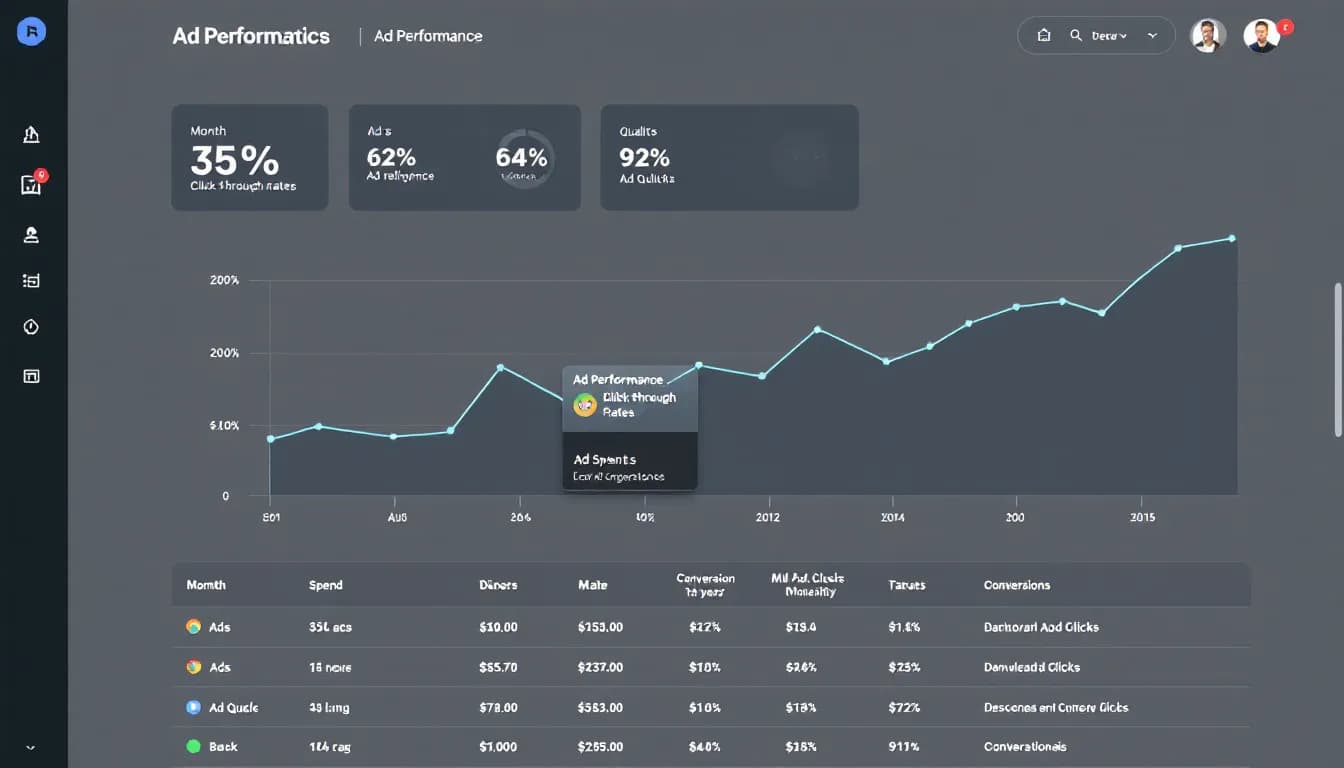
- Include charts showing trends for a quick look.
Modern PPC reporting dashboards use visuals that tell a story, like comparing ROAS trends for whole product groups instead of hundreds of single keywords.
How you arrange visuals helps show unusual things and patterns and makes it easier for the audience to understand. A report put together well doesn’t just share information—it convinces people.
Outdated Metrics and Timeframes That Don't Matter
Another big PPC report mistake is using old or timeframes that don't matter. Monthly averages or numbers that show what happened a while ago can hide what’s going on right now.
To make decisions fast, marketers should look at:
- Data from the last 7 or 14 days.
- Comparisons month over month and quarter over quarter to see how things are changing.
- Dashboards that update live with alerts for unusual things.
Also look at metrics that point to the future, such as
- Tracking how long it takes from click to purchase.
- How much brand searches increase (as a sign of awareness).
- Predicted ROAS using Google’s Performance Max.
By making reports quicker and matching the time frame to when decisions are made, PPC managers keep campaigns fast and ready.
Not Tying Paid Data to Organic and CRM Information
Smart PPC reporting doesn’t happen alone. When reports only show paid numbers and leave out data from other tools (like HubSpot, Salesforce, or Google Analytics), you're not seeing the whole picture.
Seeing how everything works together in the whole marketing path is only possible when PPC is connected with:
- Organic search trends and reports on keyword overlap issues.
- CRM data like lead scoring, how long the sales process takes, and deal size.
- Data on what people do on your site (e.g., bounce rate, how long they stay).
For example, you might find that leads from Campaign A come in large numbers but don't lead to much sales value. That information only comes up when you connect it to CRM details.
Modern marketers are more and more building full views of how people become customers, where PPC performance isn't looked at alone but as part of how a customer moves through different channels. This helps decide where to put budget more accurately and make better improvement choices.
Failing to Benchmark Progress
Even numbers that seem perfect don't mean much if you don't compare them. A 5% CTR might seem good—unless the past average was 6.5% or the typical rate in the industry is near 8%.
Benchmarking should check:
- Your own past data (how things did quarter over quarter, year over year).
- Typical performance in the industry.
- What competitors are doing using tools like SEMrush, SimilarWeb, or SpyFu.
This doesn't just help you understand things—it makes your findings more believable. When clients or executives see not just “where you are,” but “where you’re heading” and how you compare to others, you make it easier to get support for your plans based on data.
Tools That Are Only One Type
Just using spreadsheets, PDFs, or free reporting tools might work at first, but they limit how flexible you can be, how much you can grow, and how well you can work with others.
Limits include:
- Data that is old quickly.
- Not being able to show different reports for different users or steps in the path.
- No automation and no way to bring in outside data.
Instead, use newer reporting platforms like DashThis, Klipfolio, or Looker. These tools let you
- Have dashboards that update live using APIs.
- Tell a story using report sections you can reuse.
- Combine data from different platforms.
Having the right tech tools improves the quality of your reports and saves hours each month.
Optimization Tips: How to Do PPC Reporting Right
Ready to make your PPC reports much better? Go through this checklist:
- Start every report with a clear goal tied to business aims.
- Change reports based on if your audience needs strategy info or step-by-step details.
- Automate tasks you do over and over using good reporting tools.
- Focus on metrics you can act on, not just numbers that look good.
- Add a "Why This Matters" explanation to every chart showing a trend.
- Compare against your own past data and what's typical in the industry.
- Connect PPC data with CRM and SEO sources to see the whole marketing path.
- Use color, bolding, and layout to show what's most important.
Bonus: Use Automation Smartly
Automation in PPC reporting can change things a lot—if you use it smartly. Instead of just saving time, think of automation as a way to share insights.
Some smart examples:
- Weekly summaries sent by email automatically to people who need them.
- Dashboards that update live shared with sales or product teams.
- Tools that write explanations based on data patterns.
This fits with how marketing is changing to be more open, fast, and work better across teams. Ultimately, good PPC reports don't just sit there—they help you make decisions and find ways to grow.
Written by
Rocket Agents
Part of the Rocket Agents team, helping businesses convert more leads into meetings with AI-powered sales automation.


Ready to Convert More Leads?
See how Rocket Agents can help you respond to leads instantly and book more meetings.